Recent work
View full portfolio →
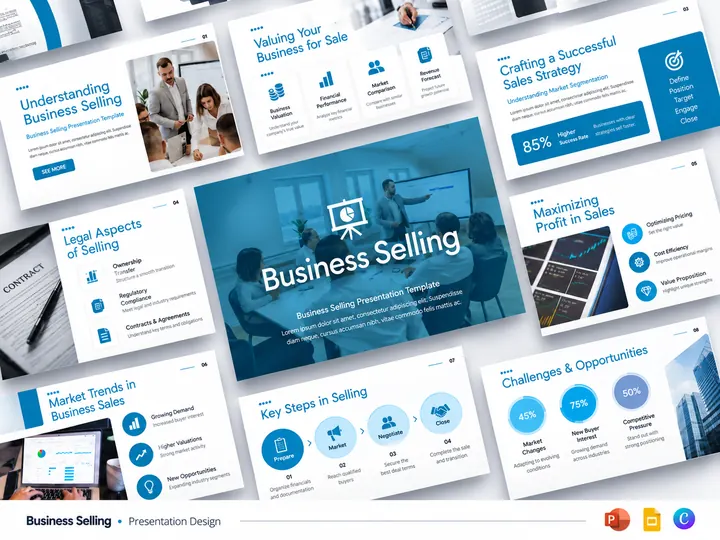
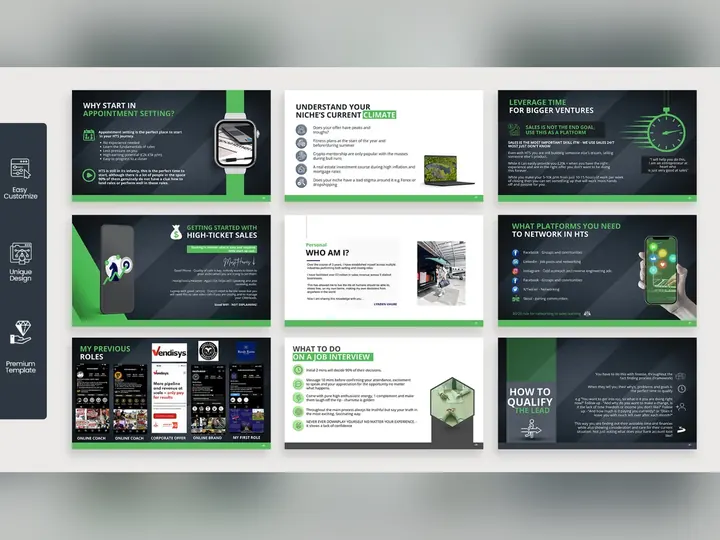
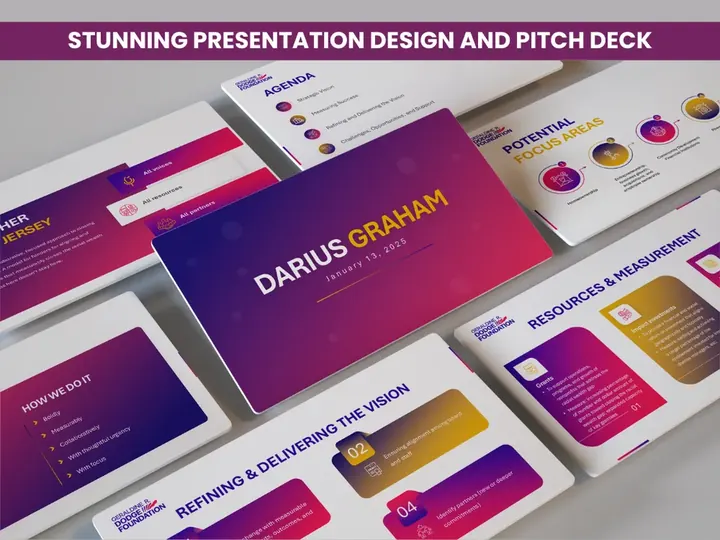
Branded, collaborative decks built natively in Google Slides — with theme systems your whole team can use without breaking the design.
From $150 · native Google Slides · theme and layout system · shareable with your team instantly
Google Slides is the default for teams that work in the open — startups, agencies, and distributed companies where three people edit the same deck the morning it's presented. What it gains in collaboration it usually loses in craft: default themes, inconsistent spacing, and images dropped wherever they landed.
That's a design problem, not a platform limit. Google Slides supports proper theme layouts, defined type scales, and consistent brand colours — most decks simply never get built that way. We do the setup work, so your team inherits a system instead of a blank canvas.
The practical payoff is what happens after we hand it over: colleagues edit the deck all quarter and it still looks like one company made it.
Custom layouts in the theme editor mean new slides start correctly instead of being copied and nudged.
Your palette loaded into the theme so teammates pick brand colours by default rather than approximating them.
Consistent spacing and locked-down master elements so simultaneous editing doesn't drift into chaos.
Tested export to PowerPoint and PDF, with the formatting problems that usually appear in conversion already fixed.
Delivered straight into your Google Workspace, ready to share.
Send your current deck or content plus brand assets — or give us edit access to an existing Slides file.
One slide designed in your brand so the direction is agreed before the full build.
Every slide designed, plus reusable theme layouts your team can use for future decks.
Delivered in your Google Workspace with editing guidance, plus PowerPoint and PDF exports if you need them.
Slides is genuinely better than PowerPoint at three things: simultaneous editing, version history, and link-based distribution that's always current. For a sales team updating a deck weekly, those advantages outweigh nearly everything else.
Where it needs design help is typography, animation, and dense data. Font choice is narrower, transitions are simpler, and complex charts are harder to control precisely. We work around all three: type systems built on well-supported fonts, meaning carried by build order rather than elaborate motion, and charts designed for clarity at a glance. When a deck genuinely needs morph animation or investor-grade data work, we'll recommend PowerPoint instead — and say so before you pay us.
Automated conversion between the two formats reliably breaks something: fonts substitute, spacing shifts, grouped objects scatter, and charts flatten into images. Teams then spend hours repairing a deck they thought was done.
We convert manually where it matters — rebuilding affected slides in the destination format rather than trusting the importer — so the deck arrives intact. This is one of our most common quick projects for teams that have standardised on a different tool than a client or investor uses.
“Worth every dollar! Do not use another service. This work is better than my own marketing group in the US. Faster work, delivered ahead of schedule and amazing designs.”✓ Verified 5-star review
Same transparent structure as every service.
Includes theme setup and handover into your own Google Workspace.
Yes. You share edit access, or we build in our workspace and transfer ownership on delivery — whichever your IT policy prefers.
Yes, and we recommend it. Custom theme layouts are what keep a deck consistent once your team starts editing it independently.
Yes, with manual cleanup of the fonts, spacing, and chart problems that automated conversion introduces. We convert in both directions.
We design with fonts available in Google Fonts so they render correctly for everyone, or match your brand typeface as closely as the platform allows. If exact brand fonts are mandatory, PowerPoint handles them more reliably.
Simple, purposeful builds — appearance order and emphasis. Slides' animation engine is limited by design; for complex motion we recommend PowerPoint.
Share your current Slides file and get a fixed quote within hours.